1
Open your finished video.
Guide
Give your characters a voice and add music.
Pick a voice for every character when you make them.
Change a voice later without redoing the video (Change Voice).
Add a narrator voice-over per panel in Comic Lab, or in the Video Editor.
Add music and sound in the Video Editor.
Open your finished video.
Click Change Voice.
Pick a voice and listen.
Confirm. Free accounts get one swap per video, and paid accounts get more.
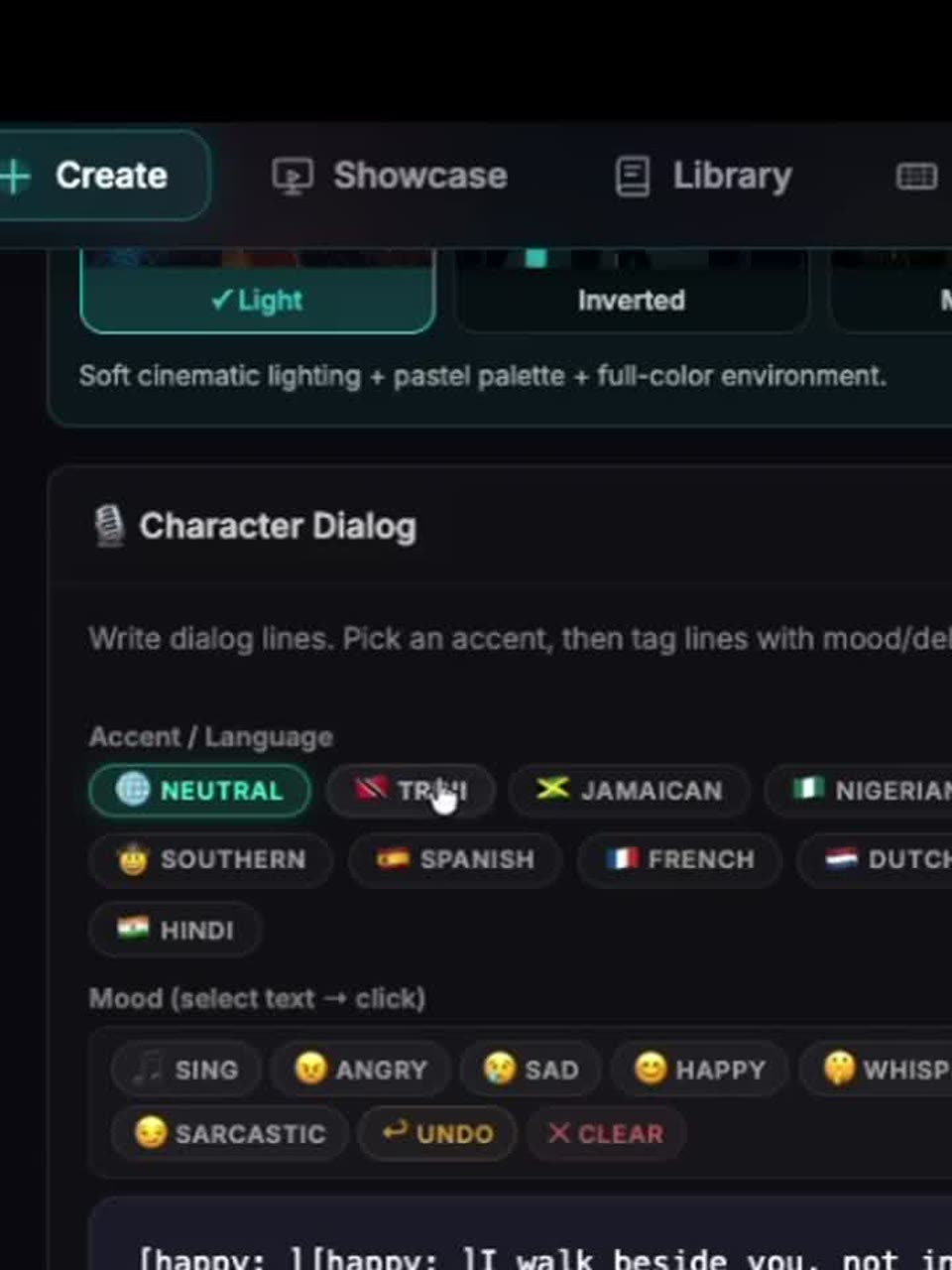
Choose a voice that matches the backstory.
Keep lines short so the mouth matches.
Picking a voice is free. Change Voice has a limit per video on free accounts.