Extend
Keep the scene going
Same shot, continued — original ~6s vs extended ~14s.
A · Original · 6s
Upload your own characters or turn yourself into one. Write your story, and get studio-quality animated episodes with editing, sound, and music — all done for you.
Or don't make it at all — we produce finished episodes for businesses.
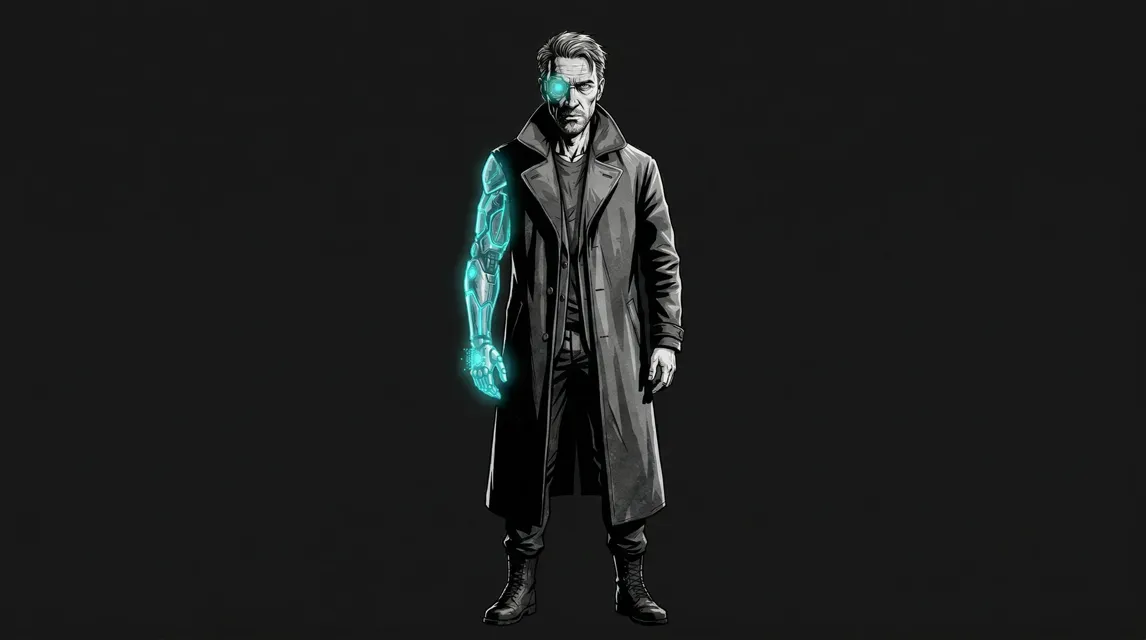
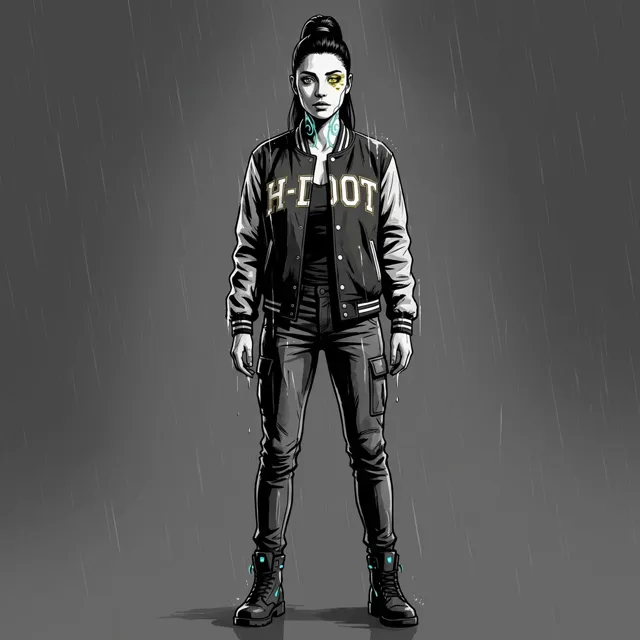
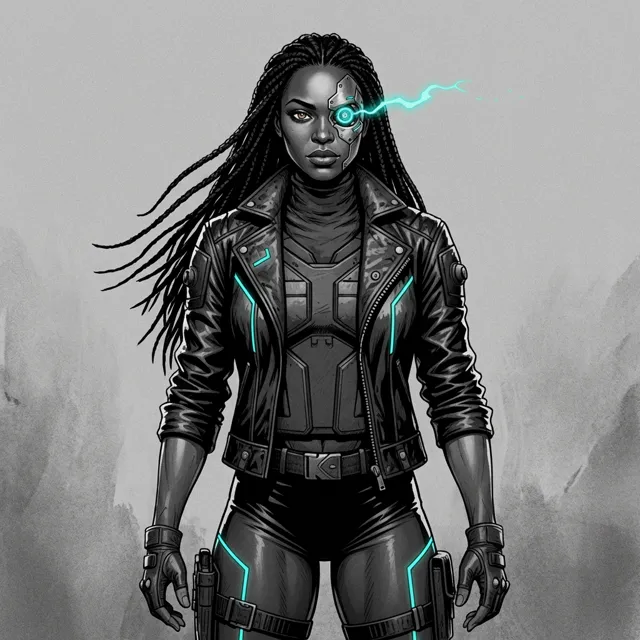
Write the scene, pick your character, and the animation comes back finished — with the same face in every shot. Your first clip is free and needs no card.
See pricing →You send the brief and the script; we build the cast, produce every episode, and hand you finished video. There is no software to learn.
How commissioned work works →Playable A/B examples from real StudioRam output — forest fight, one character, one line. Hit Play original / Play extended and Play original voice / Play new voice below.
Same shot, continued — original ~6s vs extended ~14s.
Identical picture — swap the spoken line after render.
Demo cut from a live create scene (forest / drone bees). Assets are hosted on StudioRam website storage — not tied to a user account.
Real output from StudioRam. Same characters in every shot — no post-production fixes.
A full animated series built entirely with StudioRam. 22 characters, consistent across every shot.
A promotion we produced for SHE Designs: their customers became animated characters wearing the label's designs. One pipeline, hundreds of personalised videos, every character on-model.
Have us make yours →Made by real users on StudioRam. Hover to preview, click to watch.
Watch how to make a scene: pick who stars, say what happens, and keep the story going.
Try It Free →From Instagram, TikTok, and the StudioRam community
"How cool! 😍 I can't believe this is AI — the character actually looks like me."
"Yesssss! 🔥 This is exactly what I needed for my content. The animation quality is insane."
"Made my first animated short in 20 minutes. The storyboard feature is a game changer — I had no idea where to start and it just figured it out."
"The character stays consistent across every single shot. I've tried every other AI video tool and none of them do this. This is the one."
You write the story. StudioRam makes the animation. It's that simple.
Describe how they look. StudioRam remembers — face, outfit, proportions — so they’re the same in every scene.
Describe the action, pick your characters. AI breaks it into shots with camera angles and lighting.
You can preview looks and iterate before spending a full render. Reworking a look is faster and cheaper than generating video.
Your scenes render, and automated quality checks review every shot and flag problems before you ever see them.
Get finished HD video with voice acting, transitions, and sound effects. Download and publish.
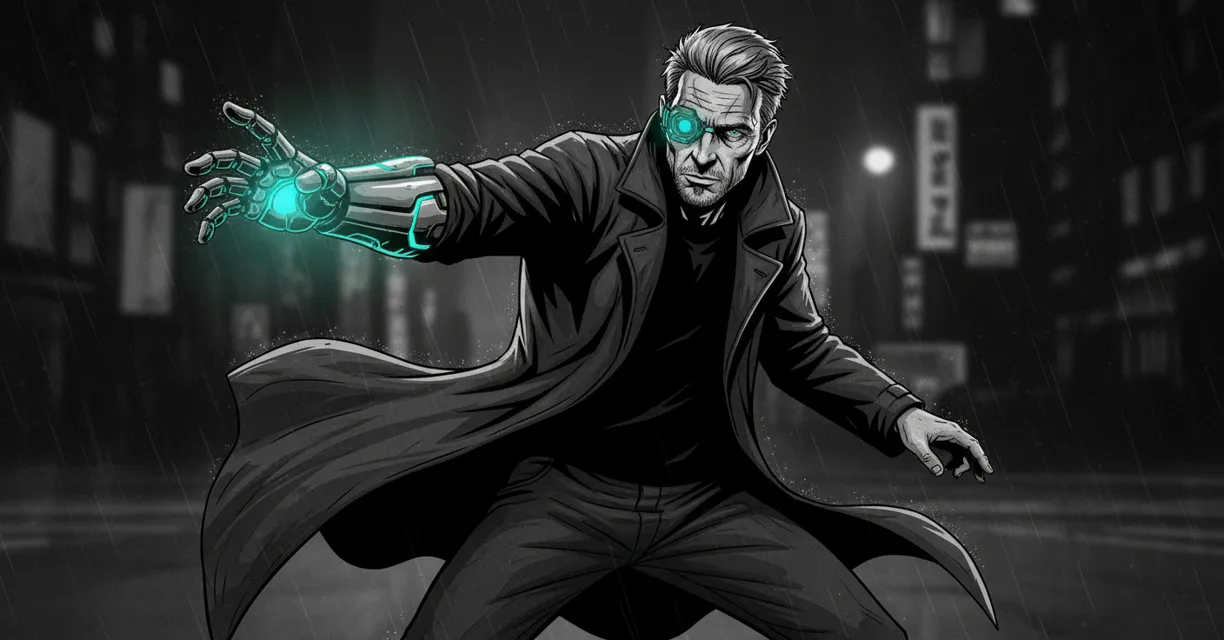
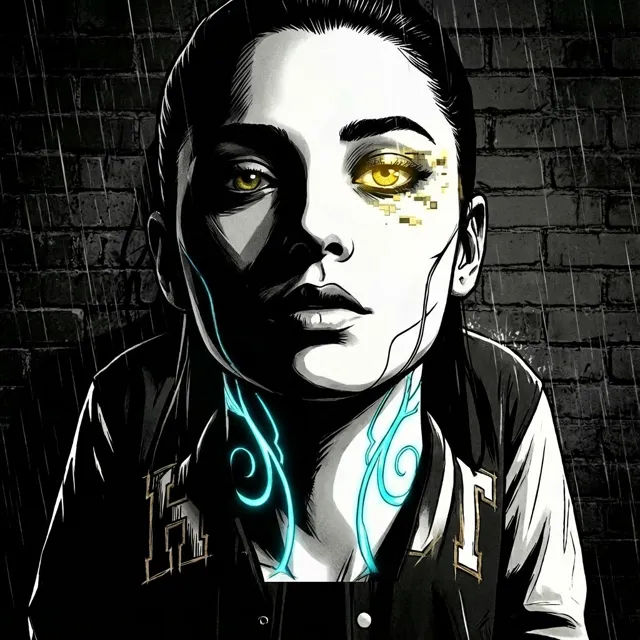
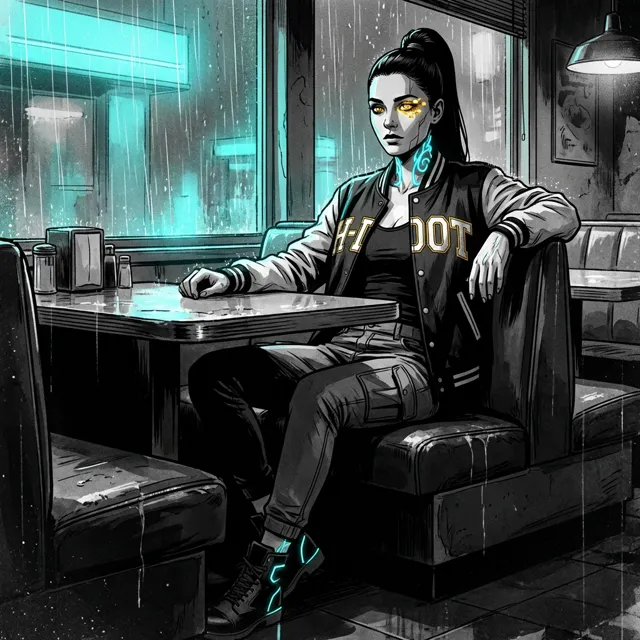
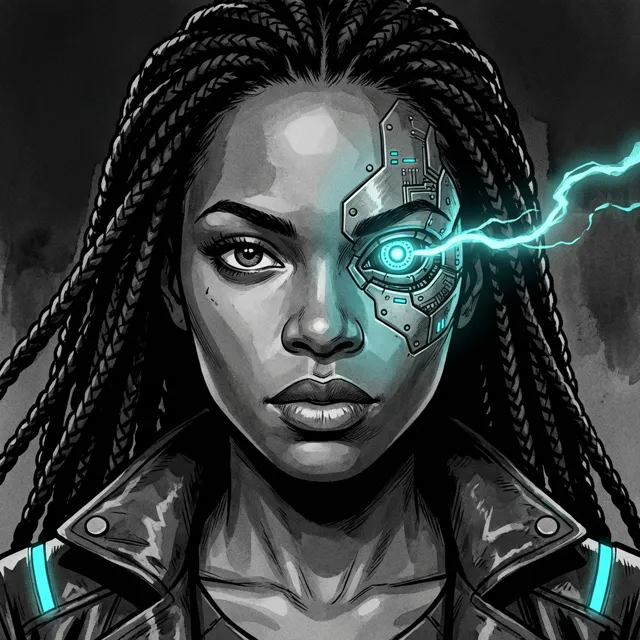
Every character stays consistent — front, closeup, action. Same face, same outfit, every time.
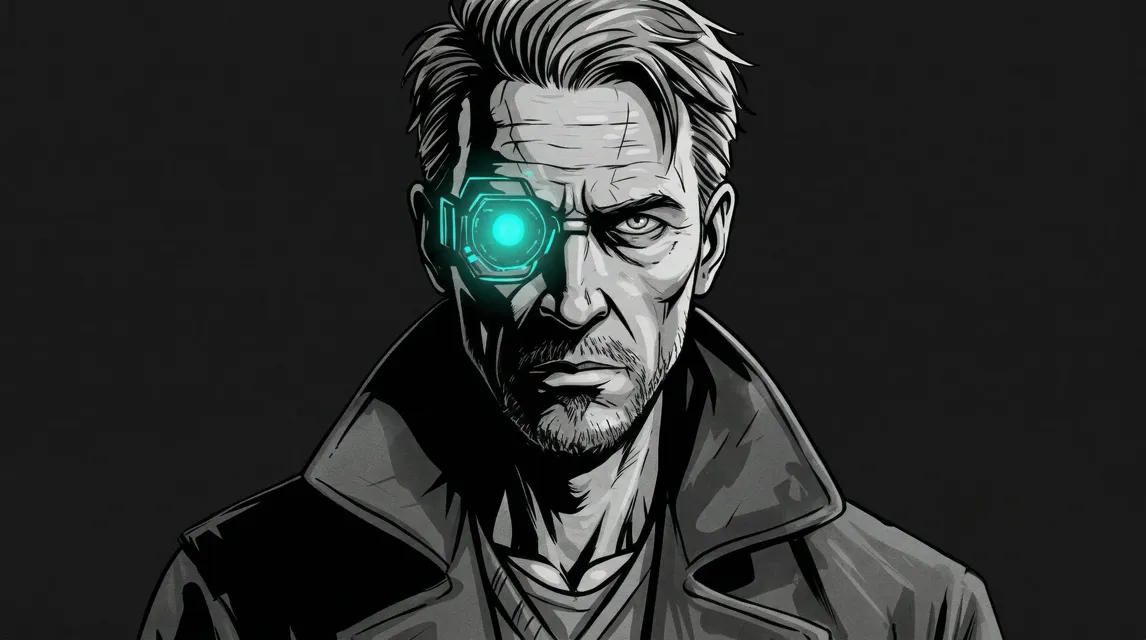
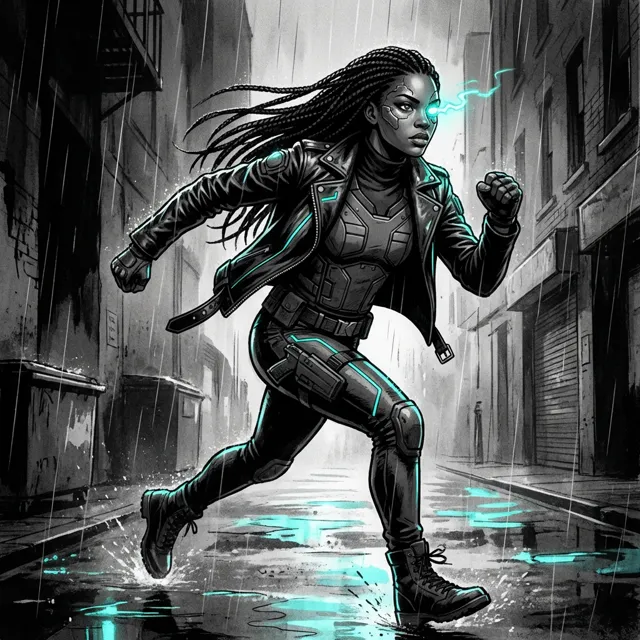
← Swipe to see more characters →
Finish a full show. Same cast across every scene.
Every plan starts free: sign up, make your first scene with no card, then pick a plan.
One moment of your story: one shot, up to 8 seconds of video, with your characters, their voices and music. One credit makes one scene. Any plan or pack also opens the Video Editor (beta), with sound effects, titles and motion.
The rest of this site is for people who want to make the animation themselves. This part isn't. Send us the brief and the script; we build the characters, produce every episode, and hand you finished video. You never open the software.
No login, no credits, no learning curve. You send the brief and the script; we produce the episodes and you approve them.
We lock your characters to reference sets first, so the same faces carry across an entire series rather than drifting episode to episode.
You pay for delivered runtime, not for hours or seats. Quoted in writing before anything starts, and nothing begins without your go-ahead.
Typically a fit for: explainer series, training and onboarding libraries, professional-services marketing, branded shows, and anything where the same characters need to appear across many episodes.
Typically not: a single one-off video — the setup that makes a series cheap per episode doesn't pay for itself on one.
See what it costs, or email [email protected] with what you're trying to make. A real person reads it.
Yes. Paste your script one scene at a time and each scene comes back as a finished animated clip with voice, sound and music. Scenes chain into episodes with the same cast.
No. If you can describe a scene in words, you can make animation. StudioRam handles everything — from generating your characters to editing the final video with sound and music.
Open Create and choose Make a scene. Under Who stars?, upload a photo or create a character. Say what happens in your own words, then press Generate Preview to see the picture. If you like the character, press Save this character and they are ready for every scene you make. Press Animate this scene to turn the picture into a video. When it is done, type what happens next to continue the story from its last frame.
A single scene renders in two to five minutes. A five-minute episode is roughly forty to fifty scenes, so budget a few hours of rendering — plus your own time writing, reviewing each scene and re-rolling the ones you want to change.
Yes. Describe a character or upload a reference and save it once. StudioRam uses it as the reference for every scene it appears in.
Yes. Upload a photo and StudioRam creates an animated version of you that stays consistent across every scene. Star in your own animated series.
720p HD MP4 at 24fps, with editing, transitions, an AI voice, sound effects and music included. You can change the voice after you render.
Yes. Under our Terms, the videos and assets StudioRam makes are licensed to you for personal and commercial use, subject to the content policy, so you can use them on YouTube, social media and client work. You keep ownership of any original images you upload. See the Terms for details.
Clip generators make single shots. StudioRam is built to finish a series: you write the script, your saved cast appears in every scene, “What happens next” continues the story from the last frame, and each scene comes back with voice, sound and music. The result is an episode, not a folder of clips.
Scene packs never expire — buy them whenever you want and use them at your own pace. Creator is a monthly subscription you can cancel anytime.
Preview and adjust the still look before you animate, which is faster and cheaper than re-rendering video. After a render you can redo the scene, and any plan or pack can also fix it in the Video Editor. Automated quality checks review each finished shot and flag problems. If a render fails, contact us: refunds for failed generations are handled under our Terms.
Yes. Your first scene ships with an AI voice already baked into the finished video. Sign up free — no card.
Yes. After the video is done, open Change Voice. Browse or search the library — including accent search (Caribbean family and others) and a Male/Female filter. Listening is free and does not use a try. Free accounts get 1 Change Voice try. Paying customers get Change Voice included, with a daily cap. The $5.99 Voice pack adds more tries and a slot to upload your own voice (clone). Own-voice upload is paid and slot-gated.
One $5.99 package. It gives you more Change Voice tries and a slot to upload your own voice to clone. It is not two separate products. Your first video already includes an AI voice. Free accounts get 1 Change Voice try (listening is free). Paying customers get Change Voice included (daily cap); the pack is for extra tries and own-voice clone slots.
Join thousands of animators. No card, no software to install, no animation experience. Describe a scene and watch it come back finished — with an AI voice on it.
Want them made for you instead? See business pricing →