1
Pick your style. Choose the look your whole story keeps. → Start a series
Guide
StudioRam is where you build a story, see it, and bring it to life. This guide shows what you can do and how, step by step.
Pick your style. Choose the look your whole story keeps. → Start a series
Make your cast. Characters that look the same in every scene, each with a chroma-keyed cut-out you can drag anywhere. → Characters
Save your places. Locations you can reuse. → Places
Plan the story. Type one idea and get an episode → Series Maker (beta). See it as a comic → Comic Lab (beta)
Animate what matters, then put it together. → Animate · Video editor (beta, free to open. Upgrade to Pro to export.) · Share and export
| Free | Uses credits |
|---|---|
| Making characters and places | Animating a scene into video |
| Planning a series, episodes and beats | Making a scene longer |
| Planning an episode and drawing its storyboard in Series Maker | Pressing Make in Series Maker |
| Still pictures (with a daily limit) | New pictures for empty comic panels (Auto-fill) |
| Reading, arranging and editing a comic | Redoing a scene |
| Sharing a link | More voice changes on a video |
You always see the cost first and you confirm. New accounts get one free animation to try. → Credits and plans
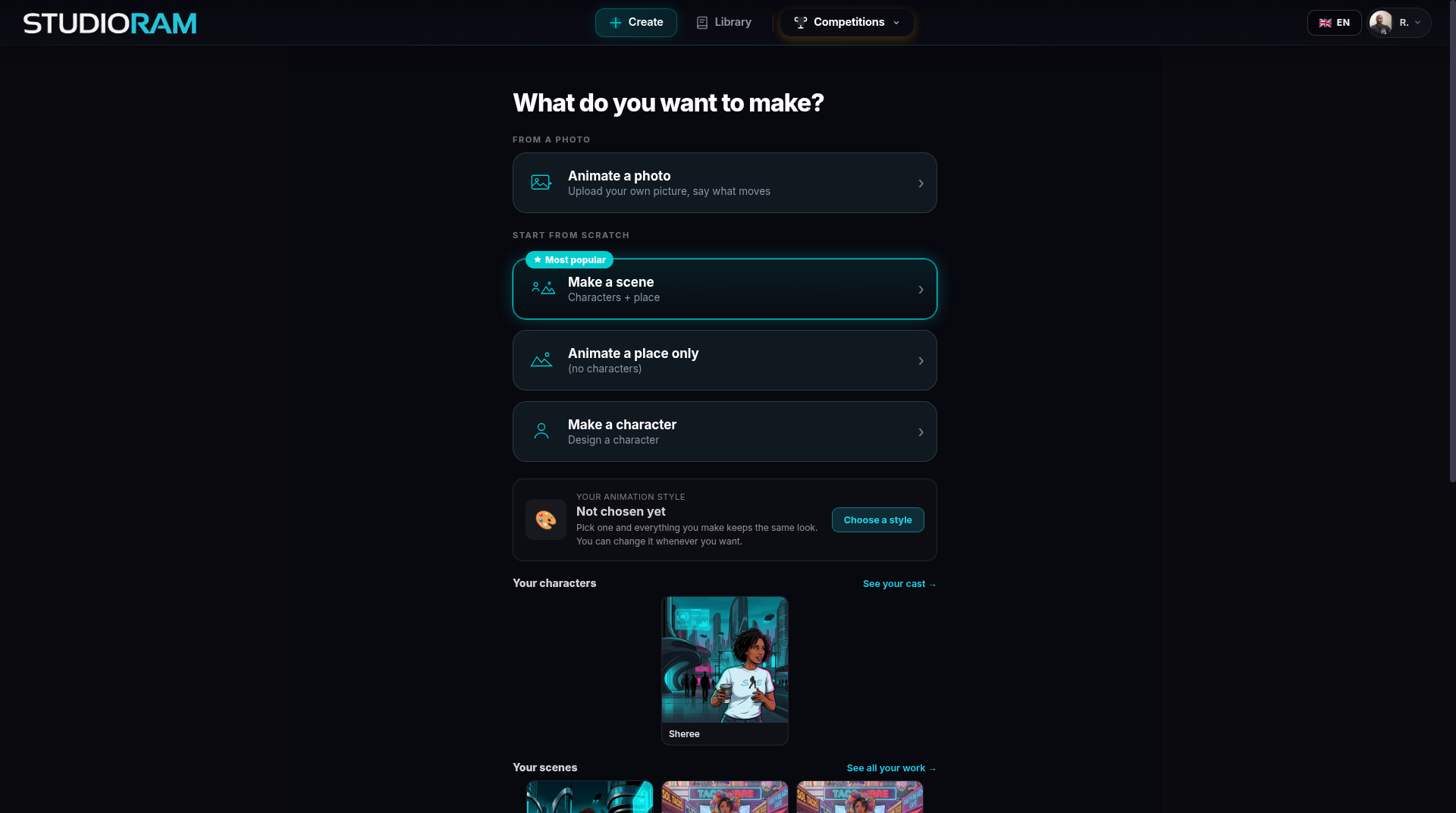
I have a photo. Create → Animate a photo. → Animate
I have an idea. Create → Make a character, then Make a scene. → Characters. Or type the idea into Series Maker (beta).
I have a whole story. → Start a series, then Series Maker (beta).
I have scenes already. → Comic Lab or Video editor.
Series Maker (beta)
Comic Lab (beta)
Video editor (beta, free to open. Upgrade to Pro to export.)