1
Open Create.
Guide
A series is your story's home. Everything you make keeps its look, so your characters, places and scenes feel like one world.
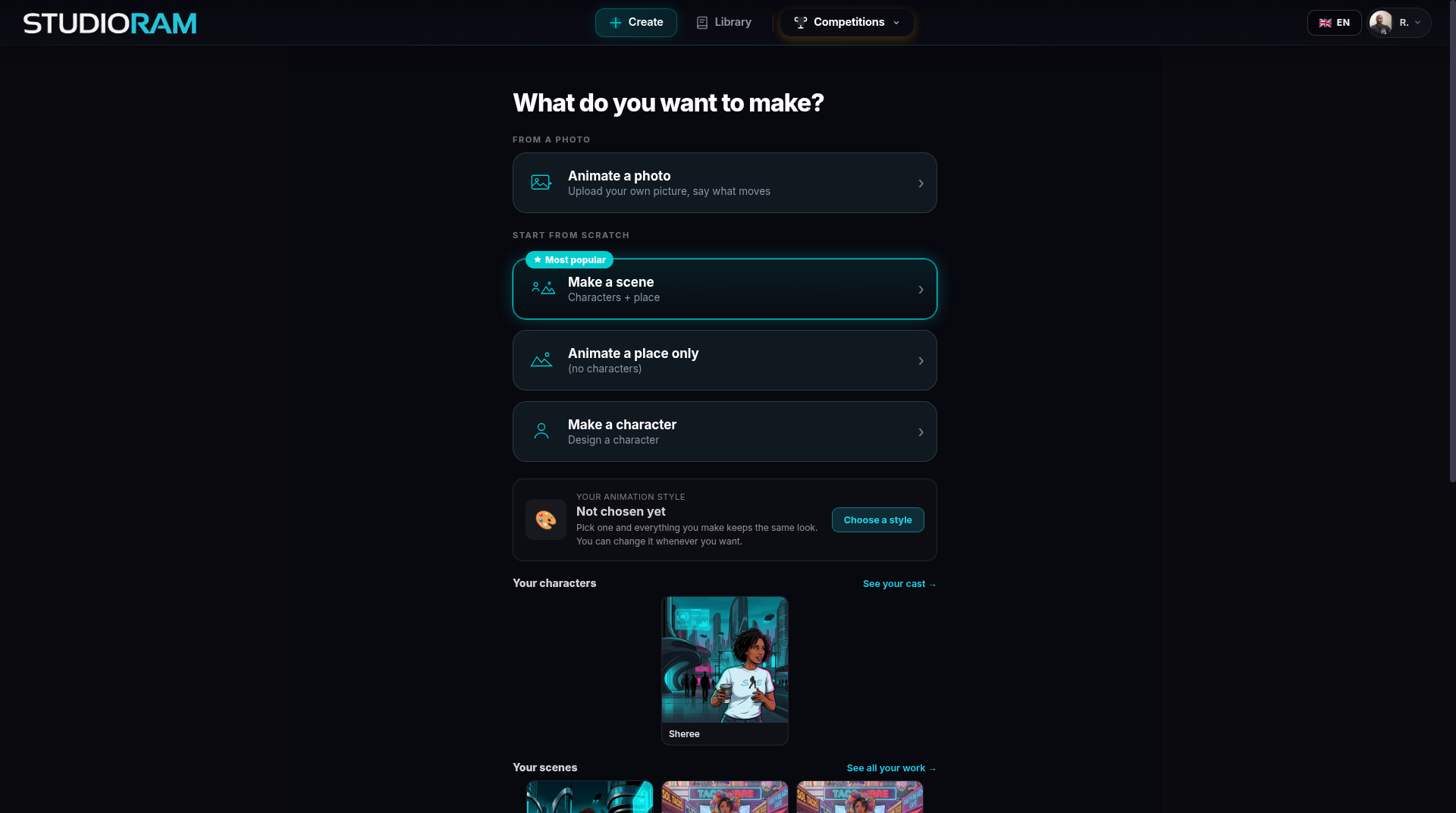
Choose one animation style (cartoon, painted and more). Everything you make keeps that look. You can change it whenever you want.
Or type one idea into Series Maker (beta). It plans the cast and the shots, then keeps that cast and look for the next episode.
Or skip all this and make a single scene or animate one photo.
Open Create.
Find Your animation style and click Choose a style.
Pick the look you like. It is saved for everything you make next.
Make your first character → Characters.
When you want a bigger plan, open Series Maker (beta).
Pick a style before you make characters. They will match.
You do not have to finish a series. One scene is a fine start.
Free.