1
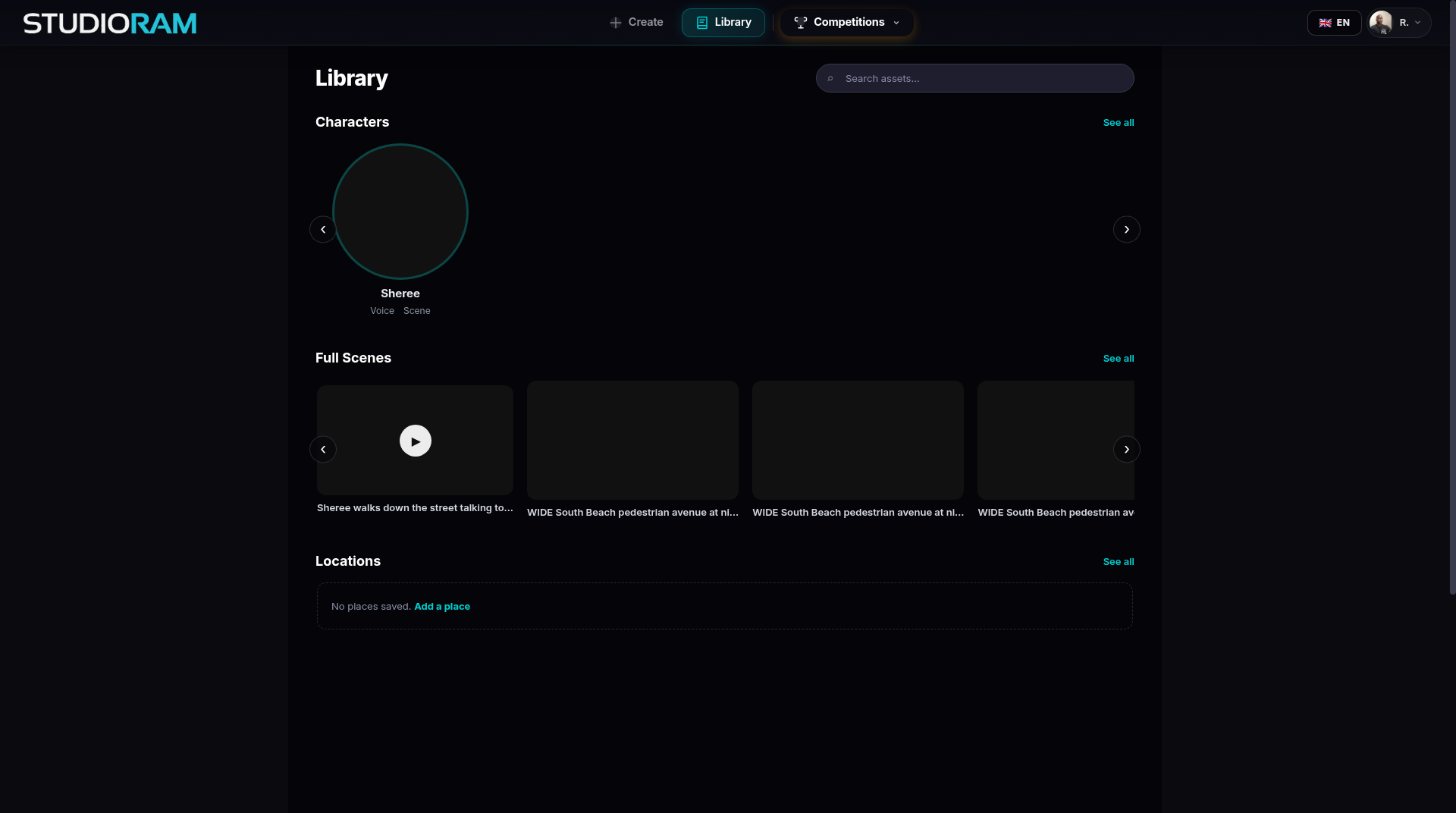
Open Create and choose Animate a place only, or open the Library, find Locations and click Add a place.
Guide
A place is a location you can reuse. Save a store, a city street or your kitchen once, and every scene set there looks like the same place.
Describe a place, or start from a photo.
Keep tweaking until it is right.
Save it to your Locations and reuse it in any scene.
Animate a place on its own, with no characters ("Animate a place only").
Drop your characters into it as cut-outs.
Open Create and choose Animate a place only, or open the Library, find Locations and click Add a place.
Choose Describe it or Start from a photo.
Look. Adjust the time of day, the mood and the details. To change something, describe it in plain words.
Click Save. It appears in Locations and in your Library.
Make a scene: choose Make a scene, then pick the place and your characters.
Save places you will use more than once: a home base, a street, a workplace.
Name them clearly ("Corner shop, night").
Places you saved a different way earlier may show a small "older" mark. You can still use and delete them.
Free to create and save (there is a daily limit on new pictures).